How it works
Build the game
Pick 75-ball or 90-ball numbers, or paste your own custom word list. Start from a ready-made template if you'd rather not start blank.
Send assigned cards
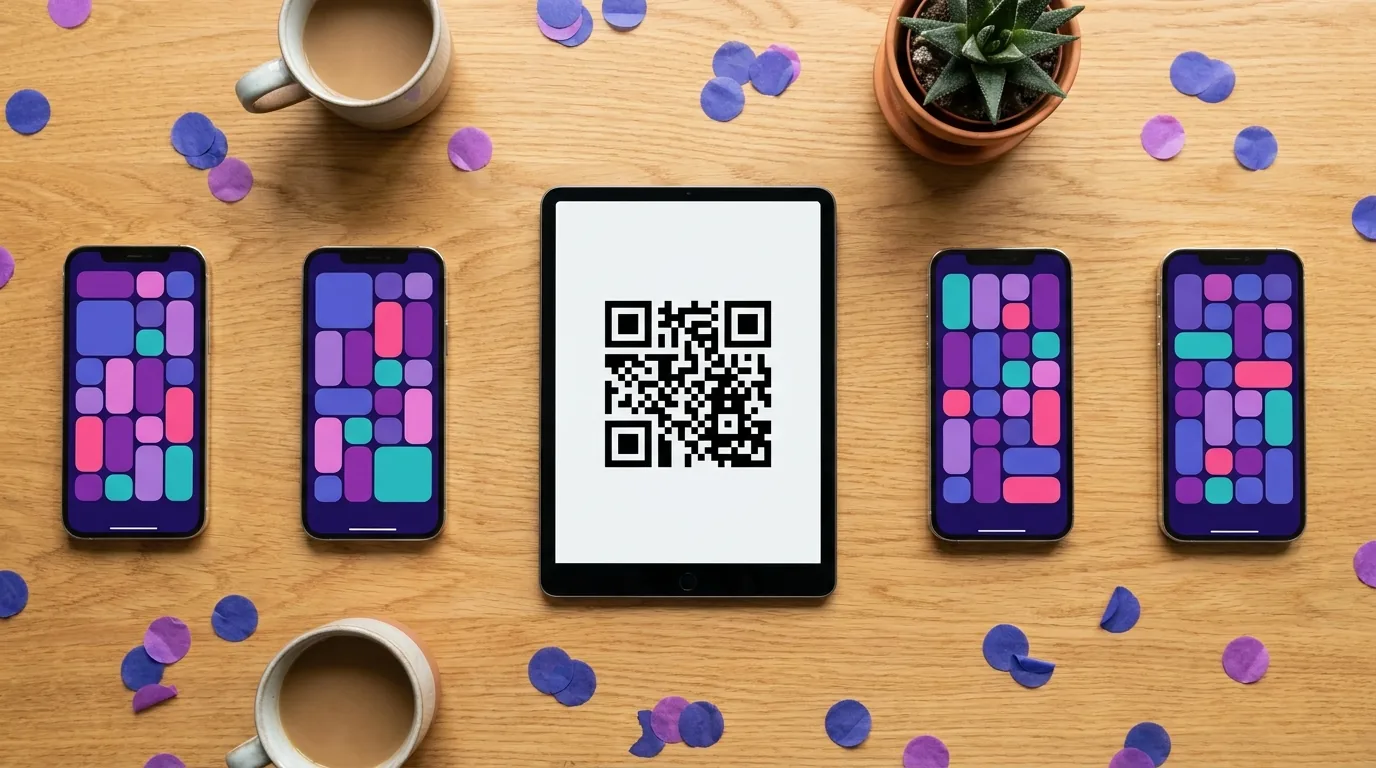
Show the QR code on a screen or drop the link into a chat. Players open it on their phones and are handed a card each — no accounts, no downloads.
Call the game
The built-in caller draws for everyone at once and players mark their own cards. You keep the caller view; they keep their card.
What the software does
A unique card per player
Every card is shuffled independently, so no two players in a game share a layout — and nobody wins by reading over a shoulder.
Players join in a browser
Each assigned player link or QR code opens directly in a phone browser. The host distributes them one player at a time.
Automatic caller
The caller draws numbers or items for the host to announce or screen-share. Players mark their own cards locally; state is not synchronized.
75-ball and 90-ball
Classic 75-ball 5×5 cards and 90-ball six-ticket strips (six 3×9 tickets per card unit), both supported in browser play and printable PDFs.
Custom word bingo
Swap numbers for your own list — vocabulary, guest names, holiday items, meeting clichés.
Print instead, if you prefer
Any game exports to a print-ready PDF, one card per page or several per sheet.
Pricing
Choose the maximum number of unique cards for one event. Up to 50 cards are free; larger events use a one-time pack.
Every pack covers one event and includes a printable PDF plus the host console. Digital cards require a separate assigned link or QR for each player. See full pricing details.
Who uses it
Teachers
Vocabulary and maths review where every student has a different card. See education templates.
Remote teams
Icebreakers on a video call without another app to install. See corporate templates.
Care homes
Activity sessions with large-print cards for residents. See seniors templates.
Fundraisers
Bingo nights for a hall or a congregation. See the fundraiser guide.
Party hosts
Showers, birthdays and holidays. See party templates.


Questions
Do players need to install anything?
No. The host creates each player entry and sends that person’s assigned link or QR code. It opens in the phone browser without an app.
Does every player get a different card?
Yes. Cards are shuffled per player, so no two people in the same game share a layout.
How much does the virtual bingo software cost?
Games of up to 50 cards are free. Larger card counts are paid: 100 cards for $10, 350 cards for $20, and 600 cards for $30.
Can I run it over Zoom or Google Meet?
Yes. Send each participant their assigned player link, then share the caller screen or announce calls. Players mark their own cards locally. There's a longer walkthrough in the virtual bingo guide.
Which bingo formats are supported?
Classic 75-ball and 90-ball number bingo, plus custom word bingo built from your own list of items.
Can I still print cards instead of playing online?
Yes. Any game can be exported to a print-ready PDF, one card per page or several per sheet.
Start a game
Build the cards, send each assigned player link, and call the numbers. Free for games up to 50 cards.
Open the Free Host Console →